Browse all 45 examples
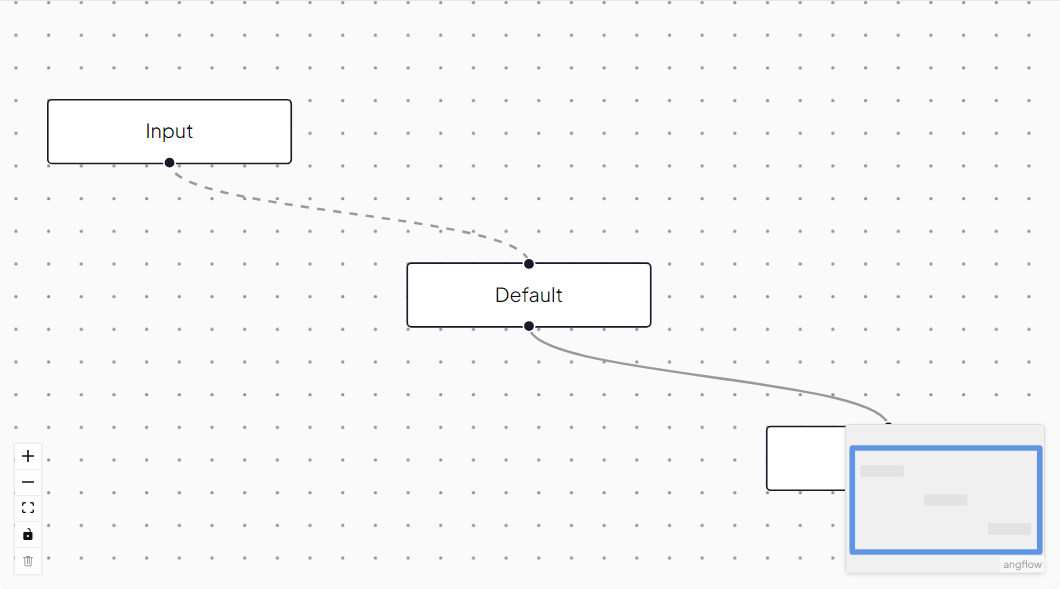
Nodes, edges, and events in a minimal flow
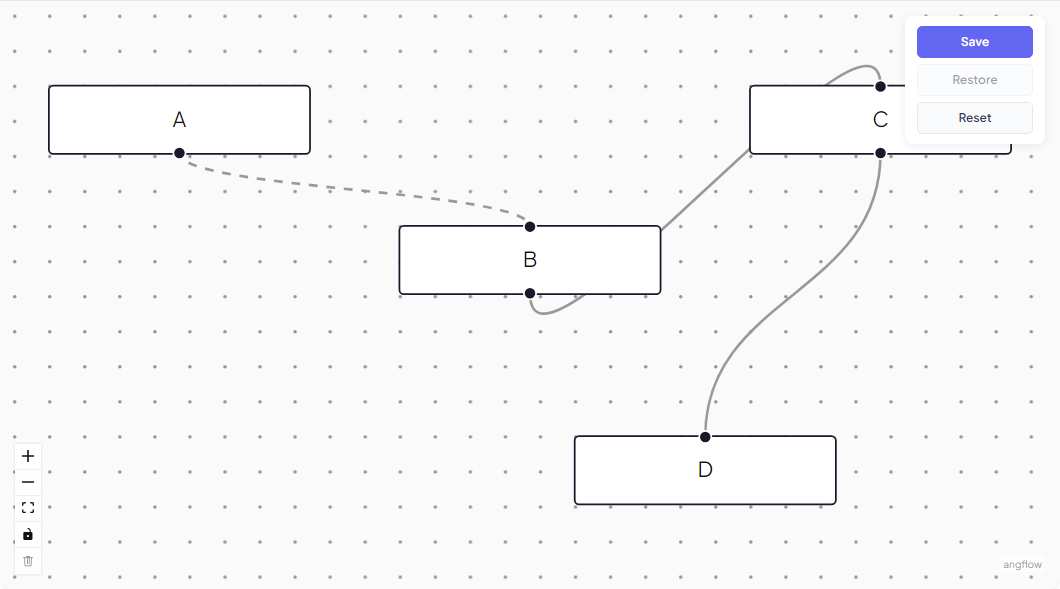
Serialize a flow to JSON and rehydrate it
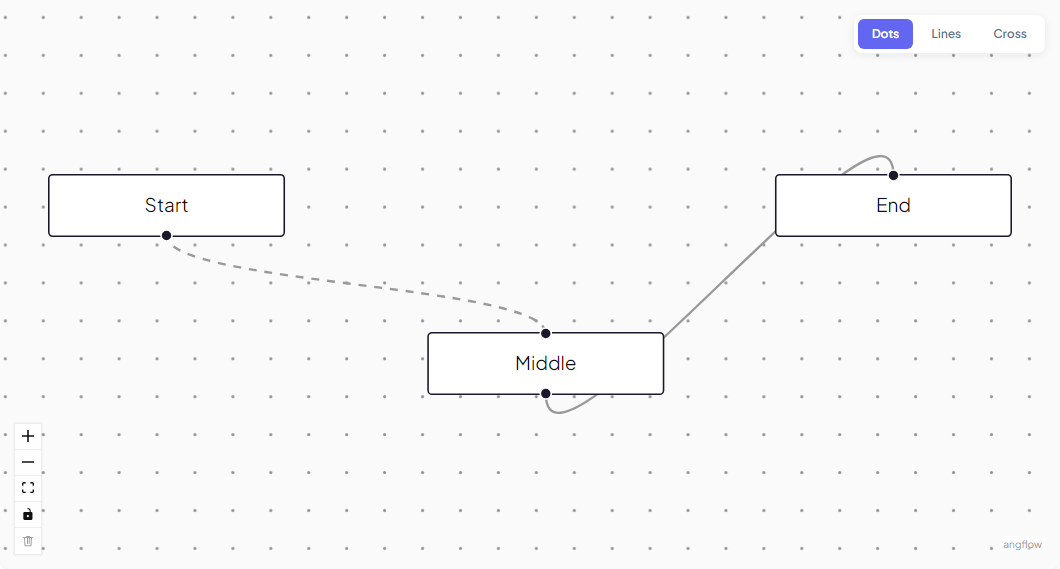
Dots, lines, and cross background patterns
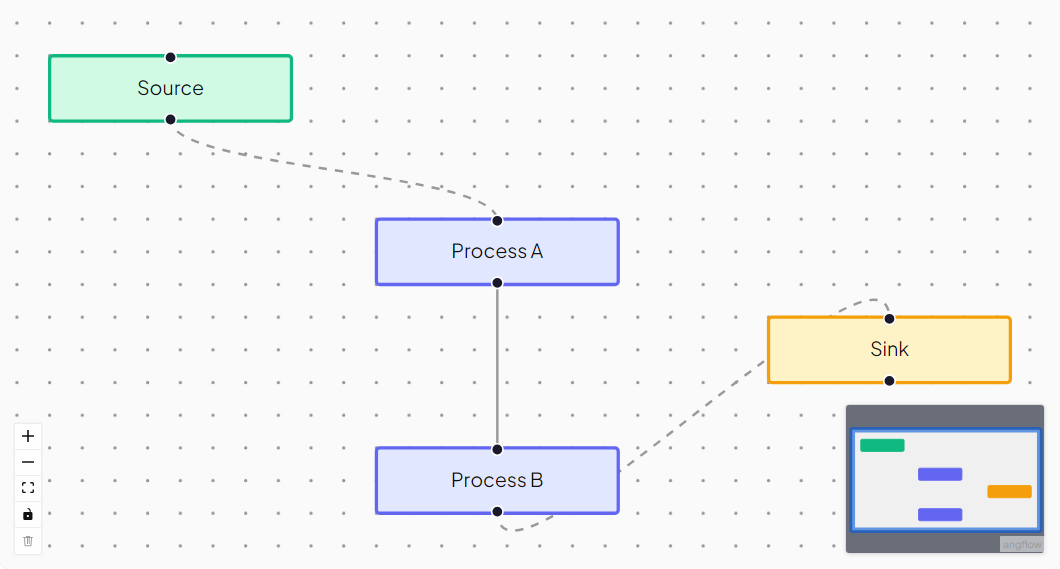
Colour, size, and node styling on the minimap
Palette panel with draggable nodes onto the canvas
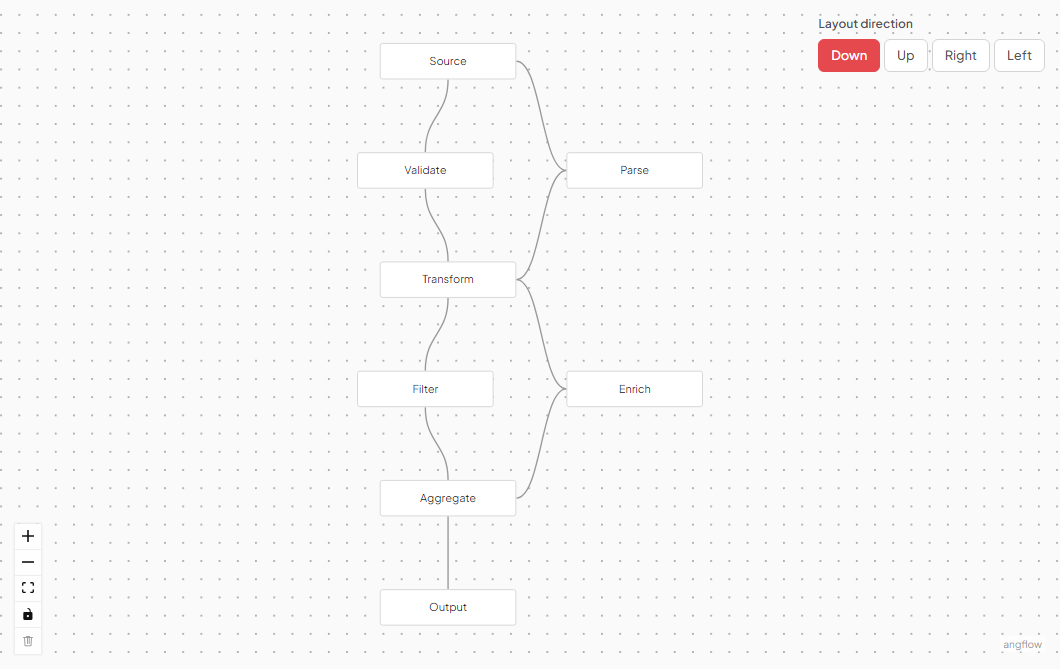
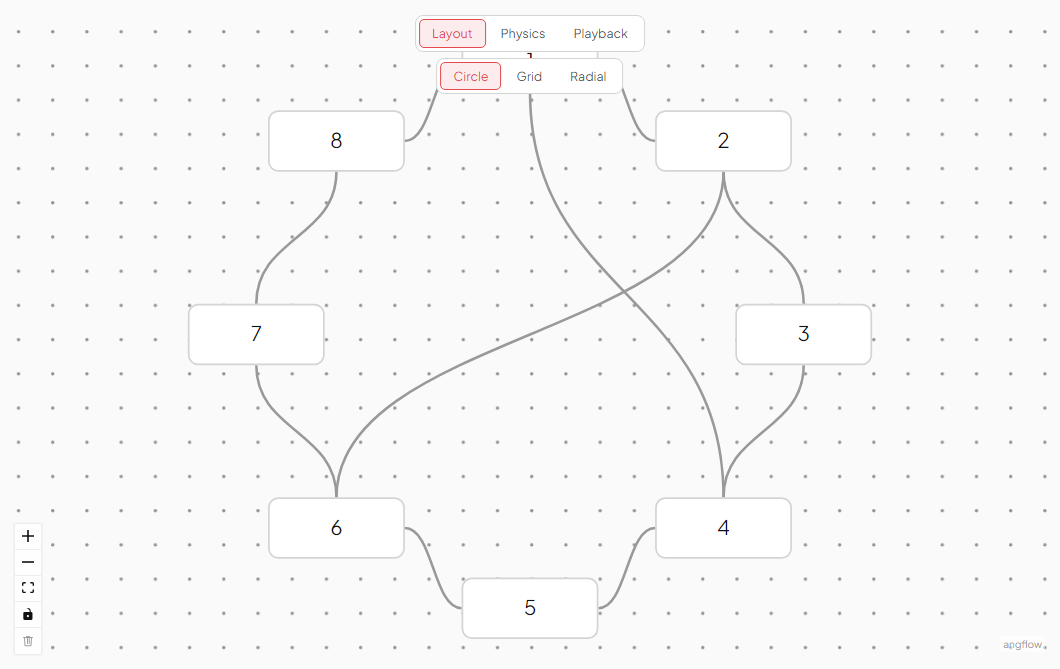
Automatic node arrangement using dagre, elkjs, or d3-force
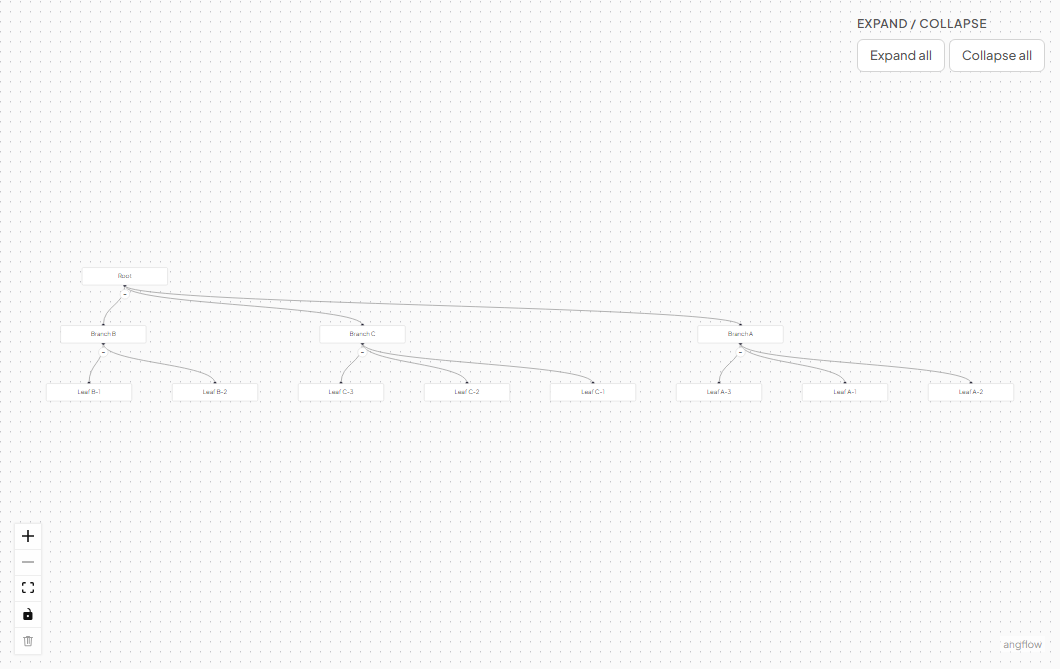
Collapsible subtrees with hidden child nodes
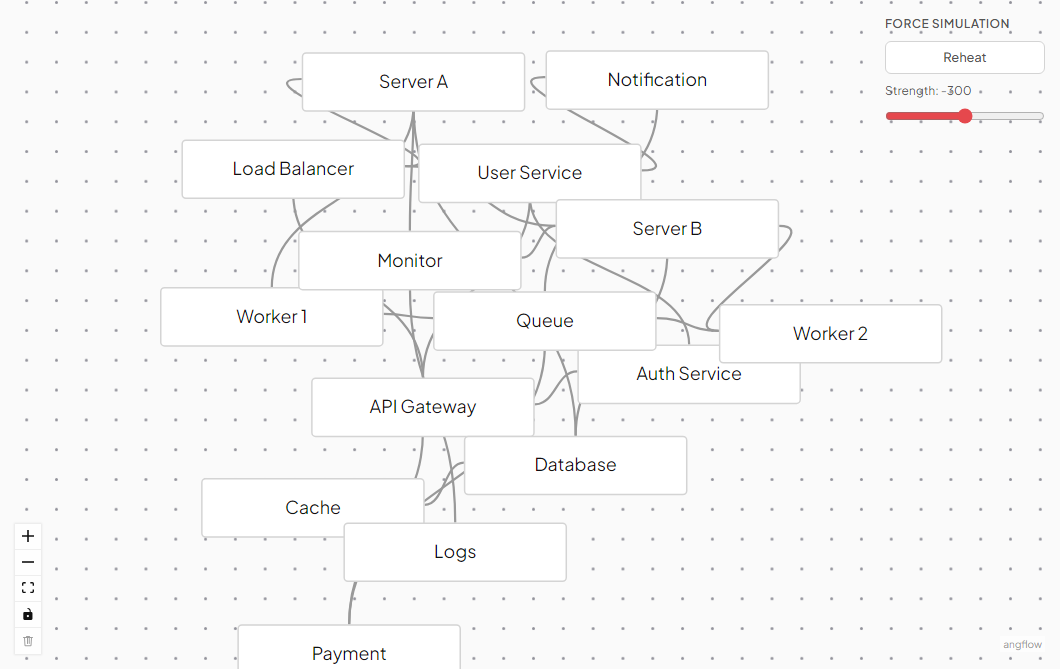
Live physics-based simulation using d3-force
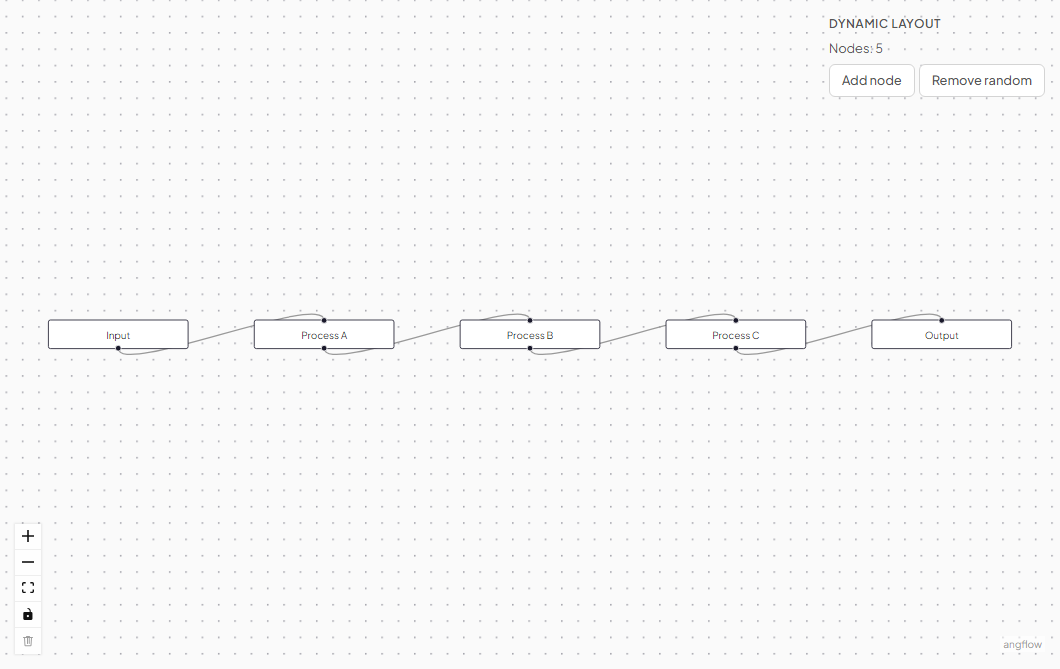
Auto-re-layout triggered by node add, remove, or resize
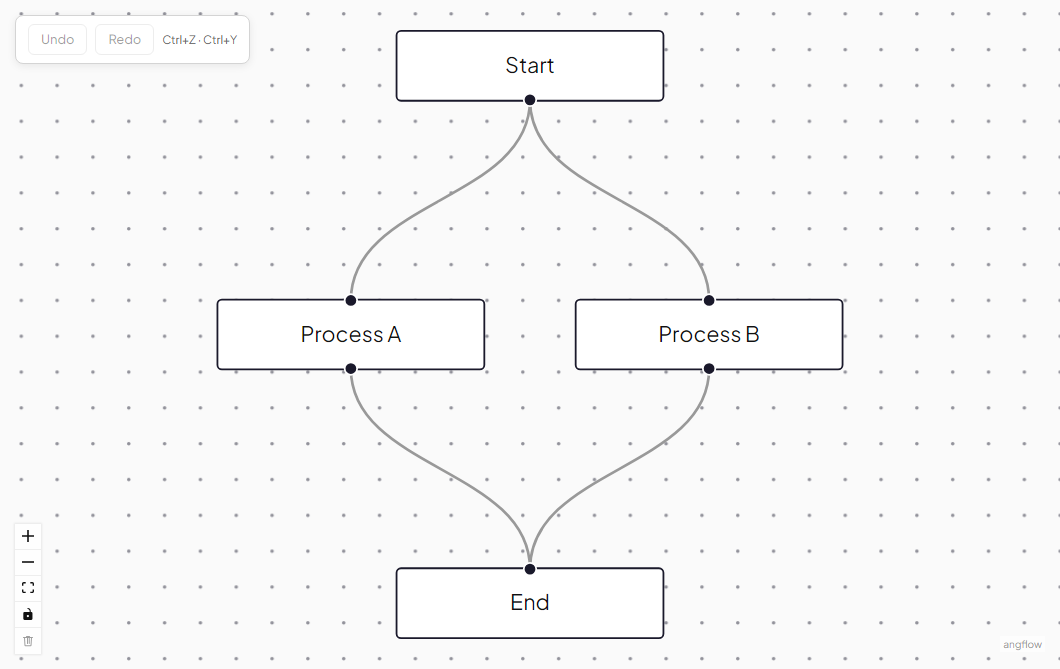
History stack with Ctrl+Z / Ctrl+Shift+Z keyboard shortcuts
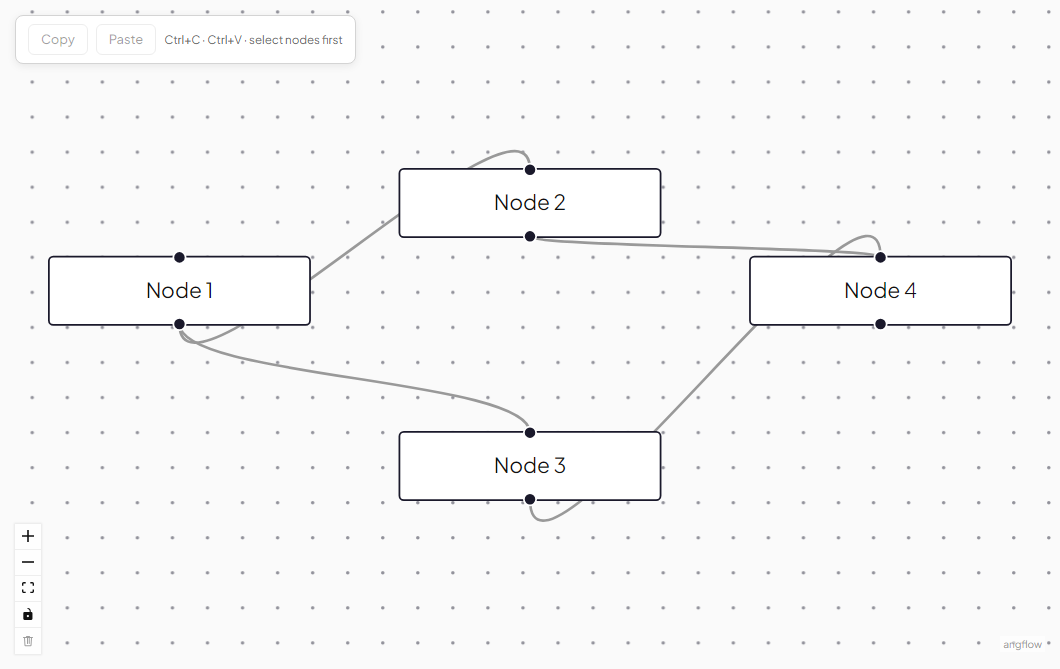
Ctrl+C / Ctrl+V for selected nodes with ID regeneration
Snap alignment guides during node drag
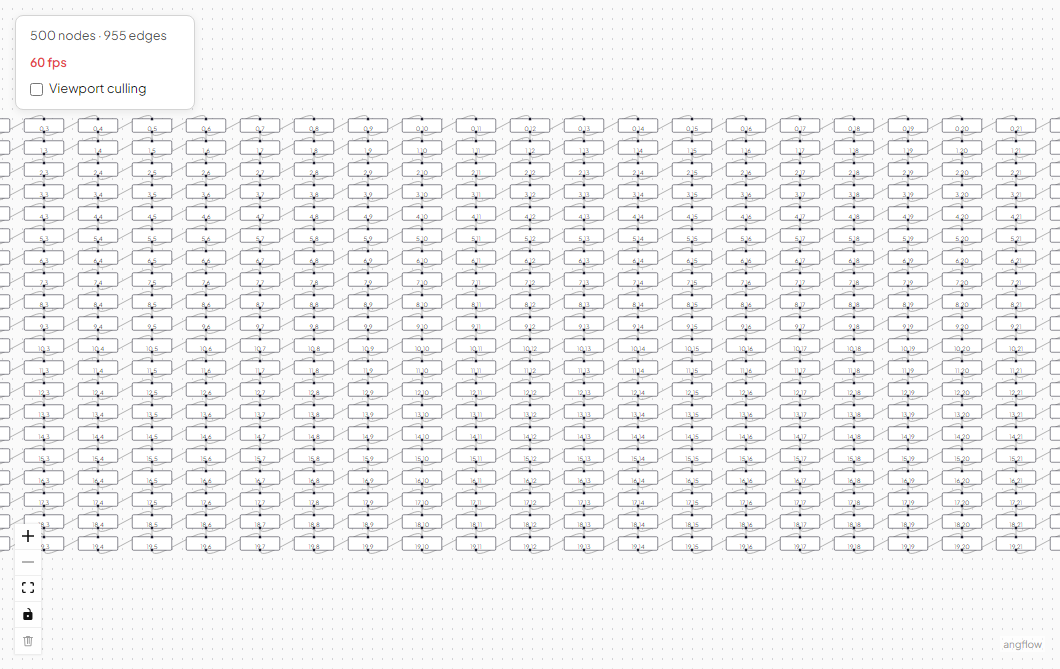
Render only visible nodes for large graph performance
Zoom-dependent node rendering with multiple detail levels
Cmd+K spotlight to find and focus nodes in large graphs
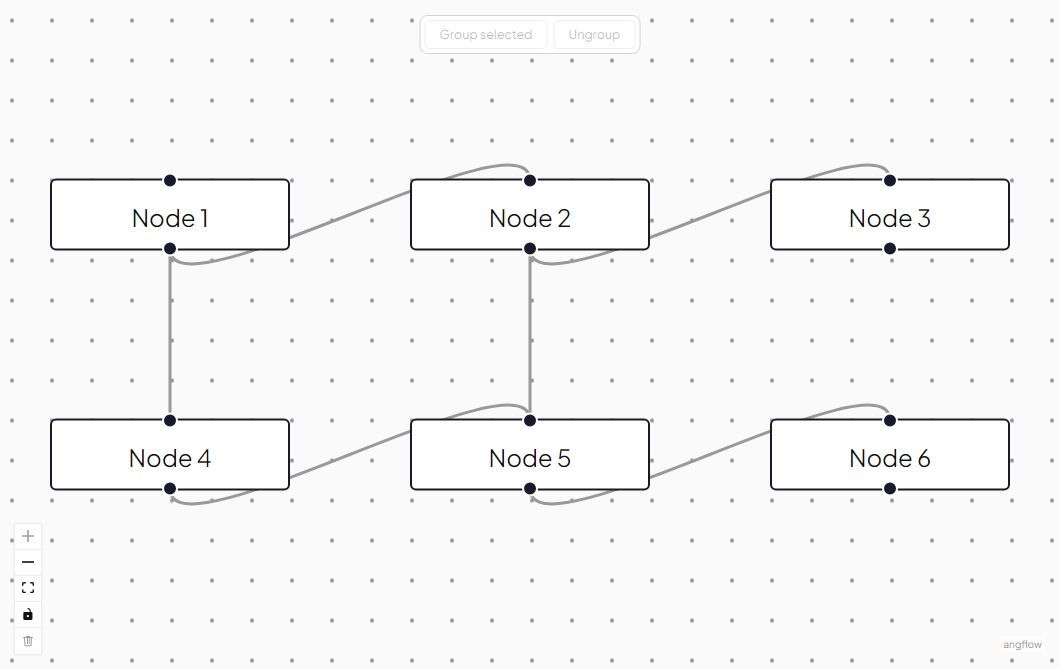
Align or evenly distribute selected nodes
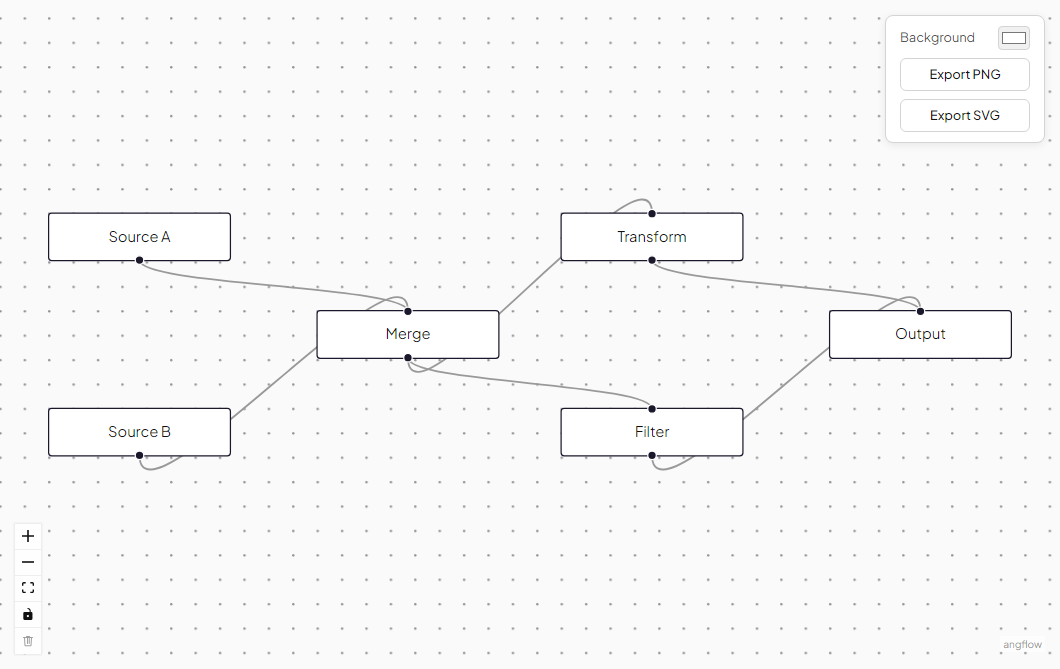
Download the graph as PNG or SVG
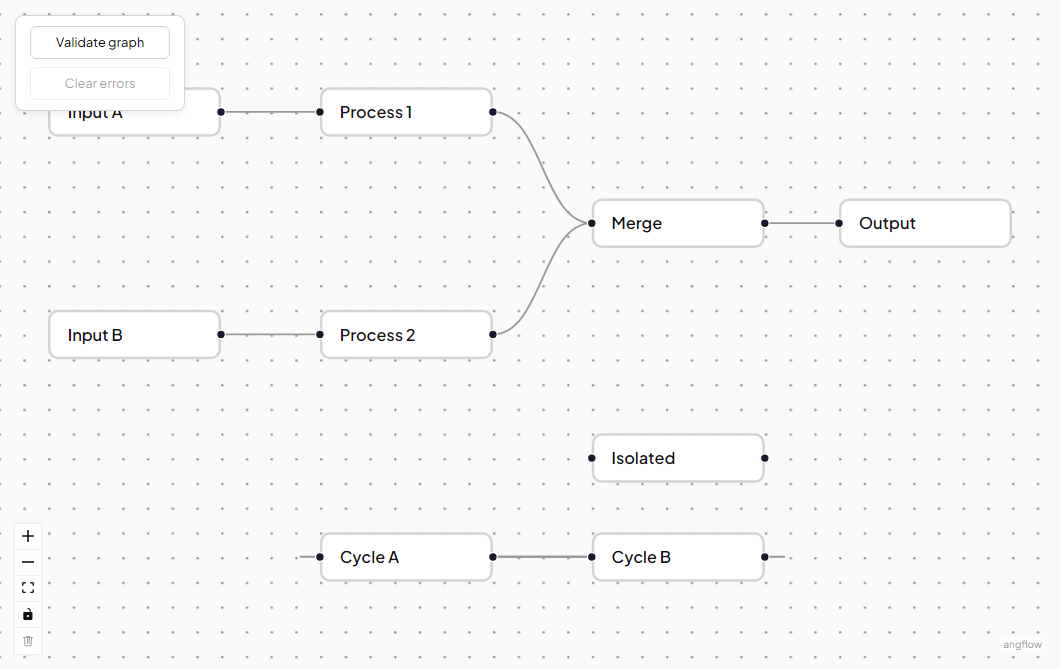
Detect cycles, disconnected nodes, and missing inputs
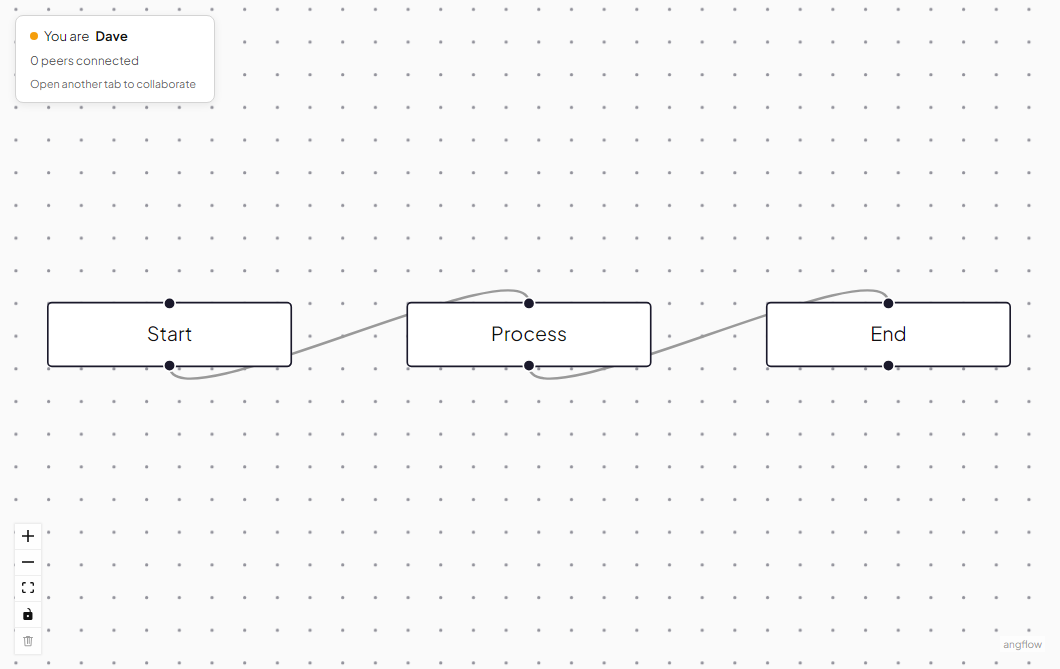
Real-time multiplayer editing via yjs
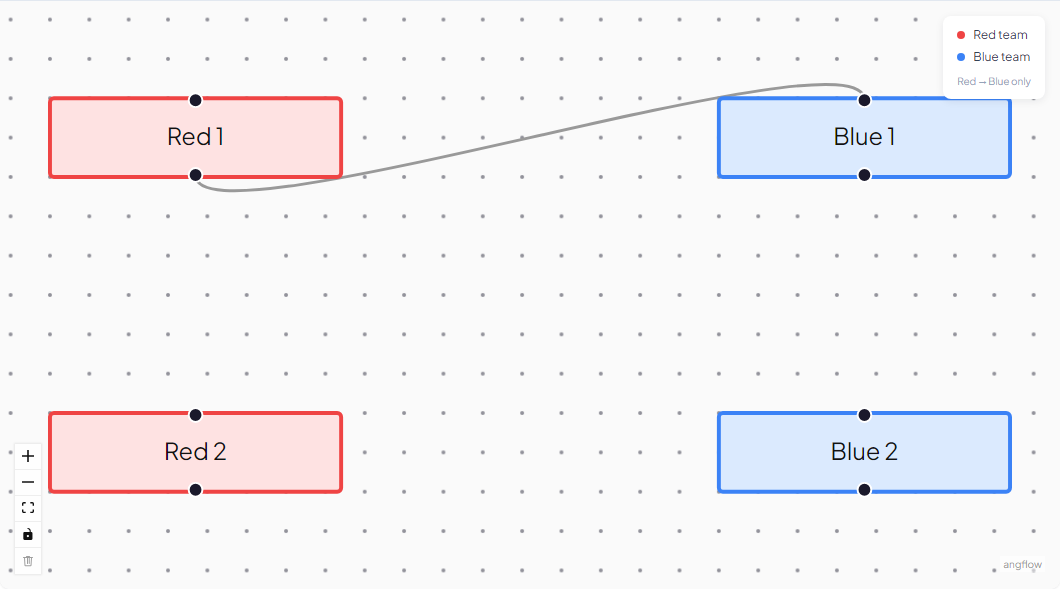
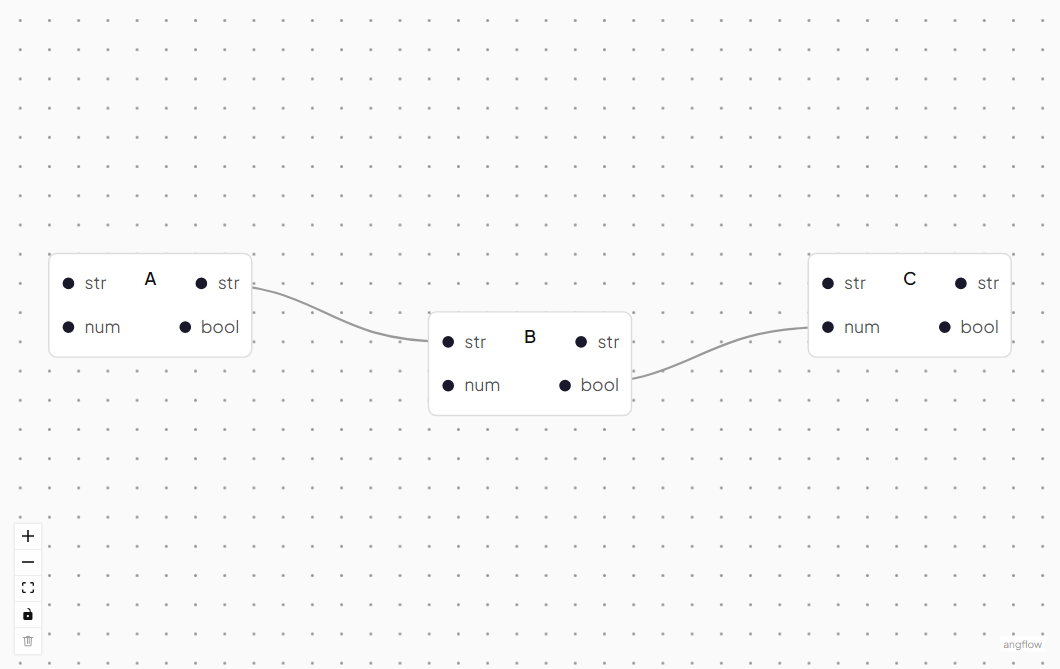
Per-connection handle-level validation with custom predicates
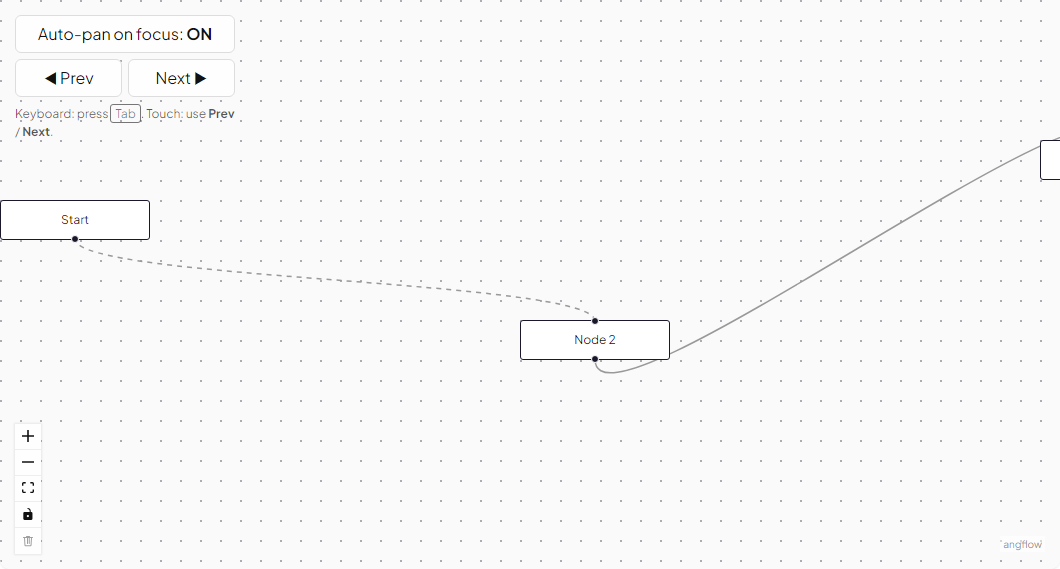
Viewport pans to keep the keyboard-focused node in view (keyboard-only)
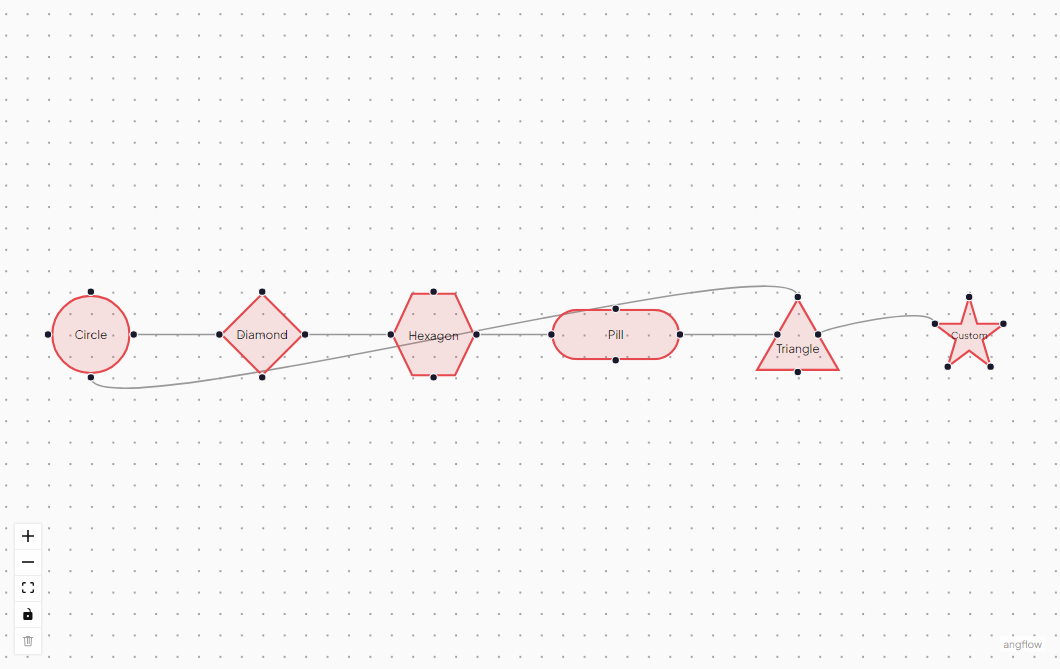
Circle, diamond, hexagon, pill, and custom SVG node shapes
Smooth animated transitions between node positions
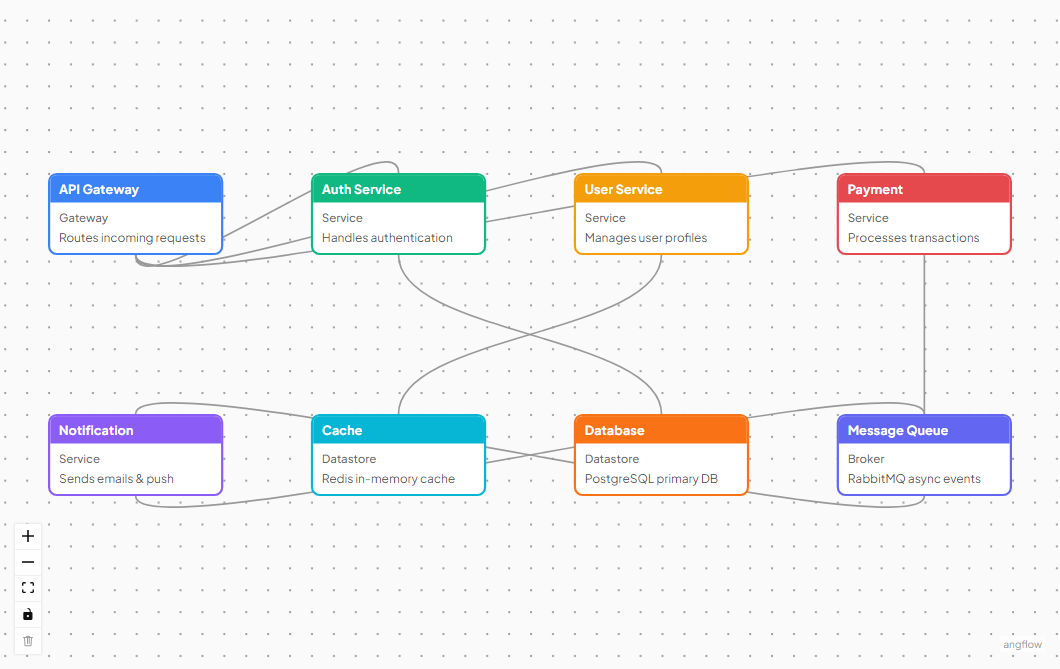
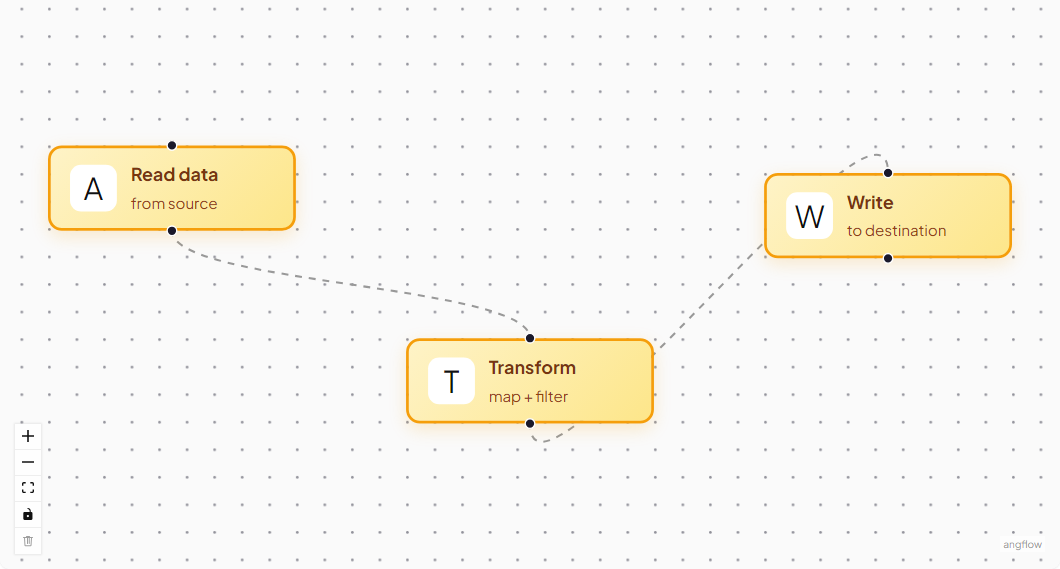
Author a custom node type with templated content and handles
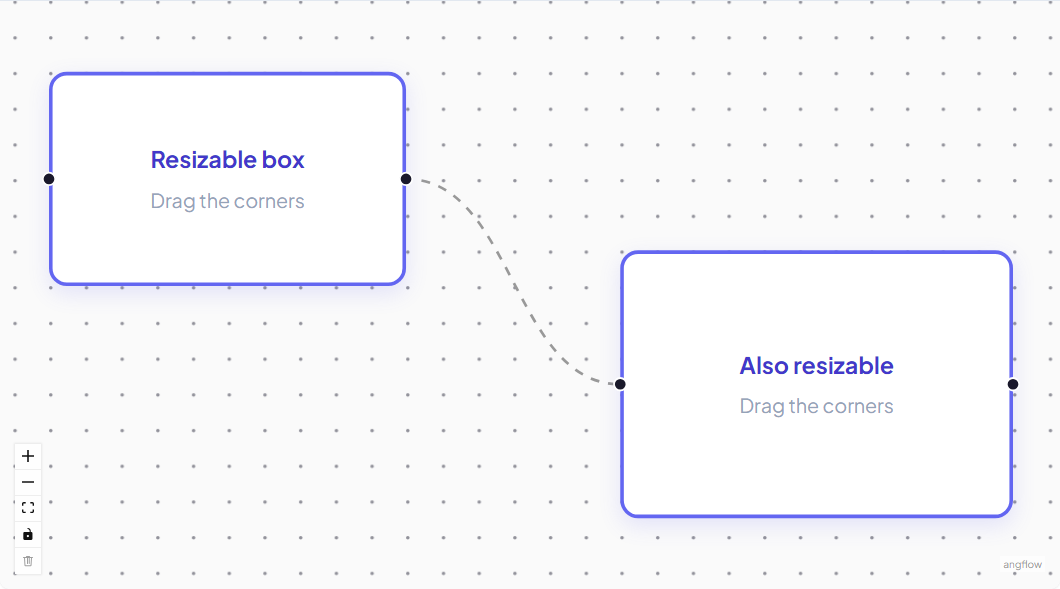
Resizable nodes with handles on every side and corner
Floating action toolbar attached to selected nodes
Drag waypoints to reshape edge paths
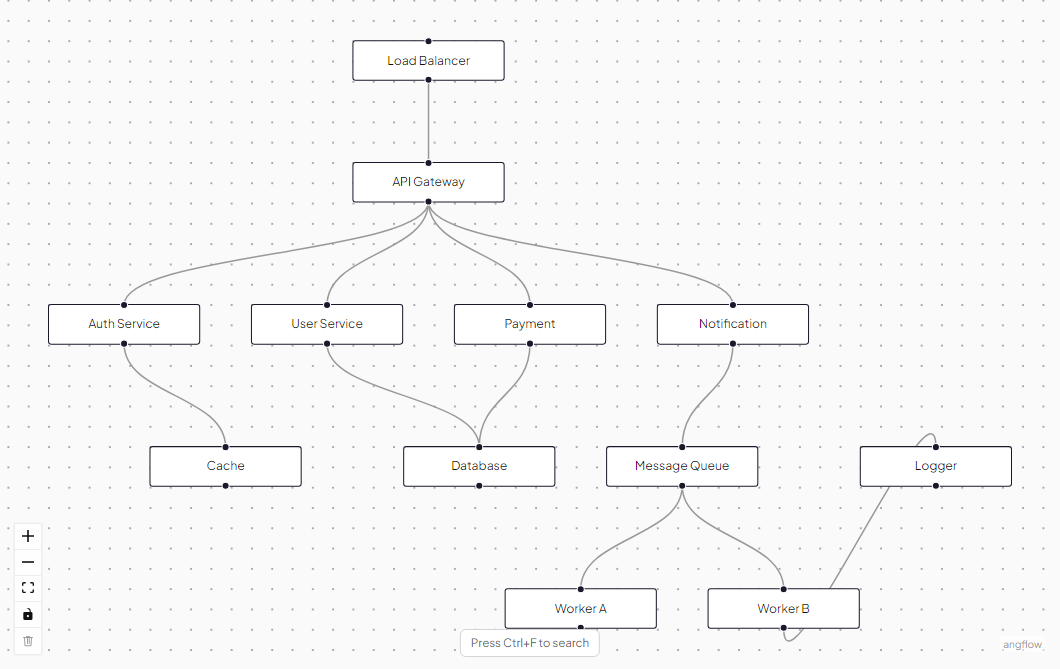
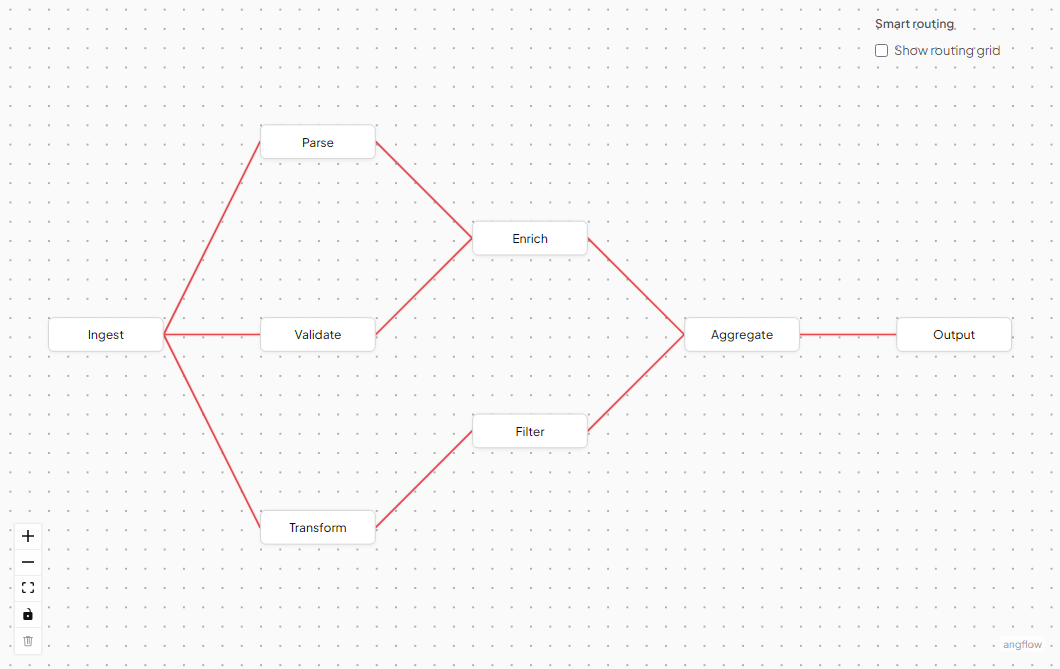
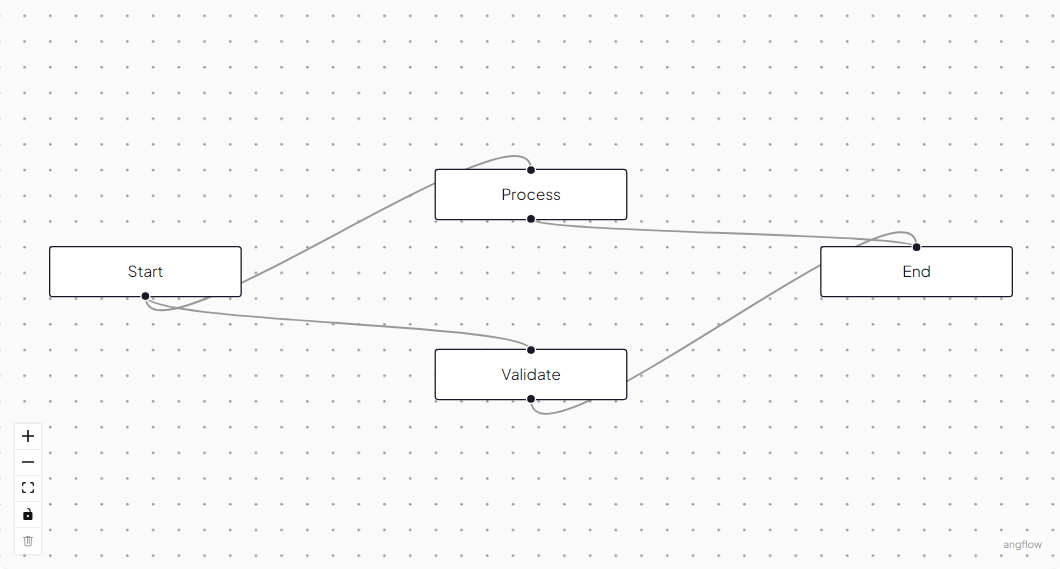
Edges automatically route around nodes
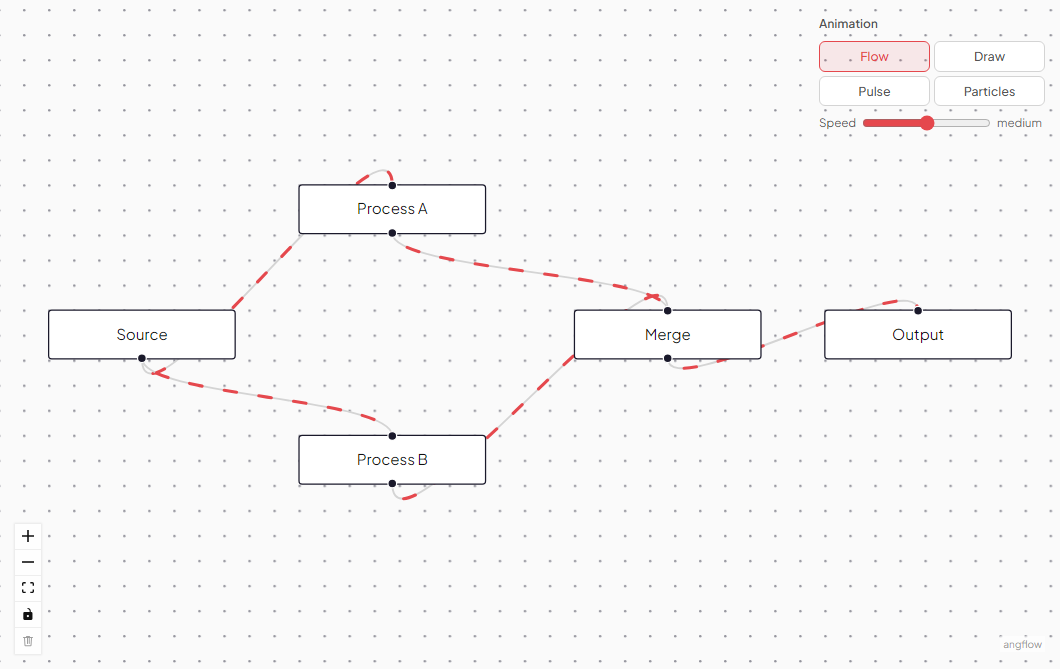
Particles moving along edges to visualize data flow
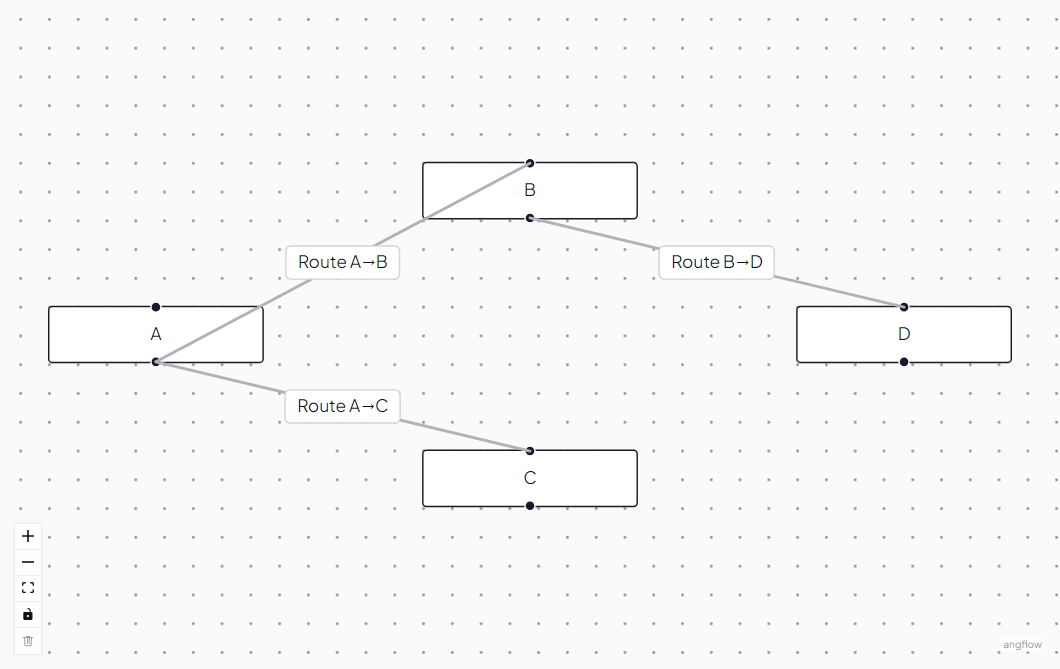
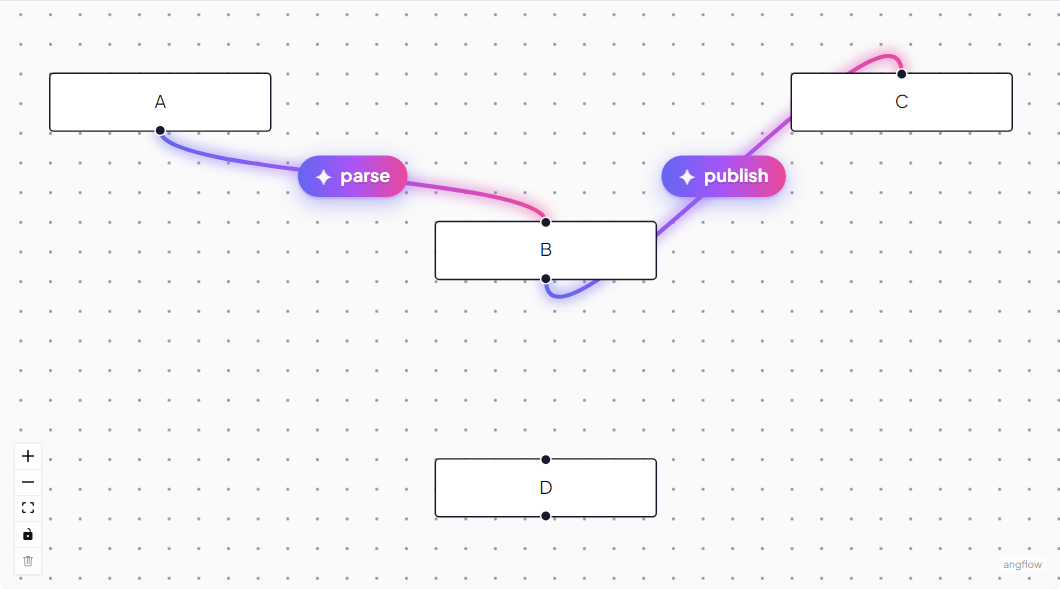
Draw a custom edge component with a bespoke path and label
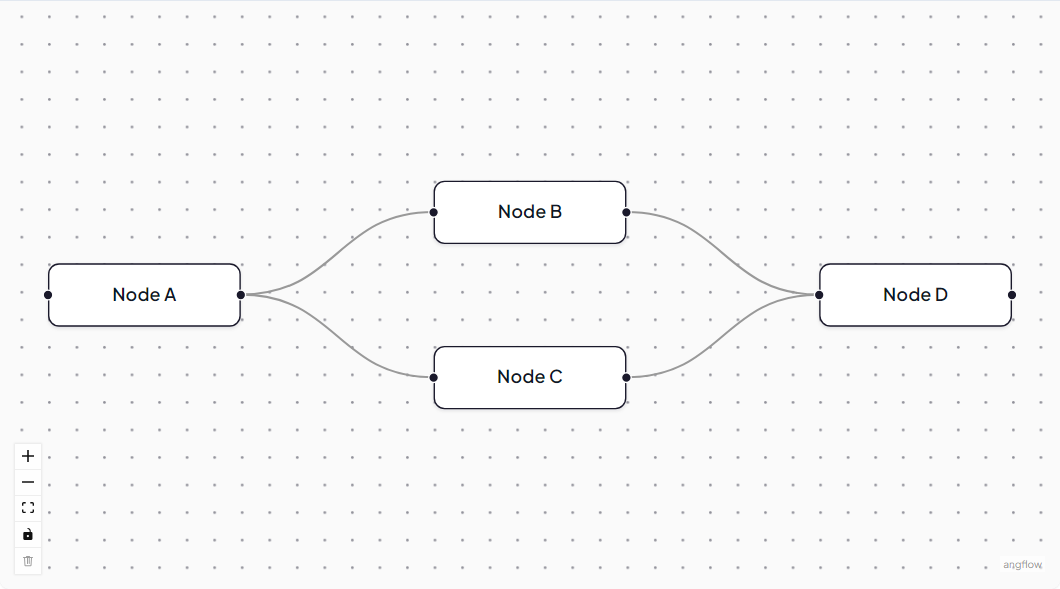
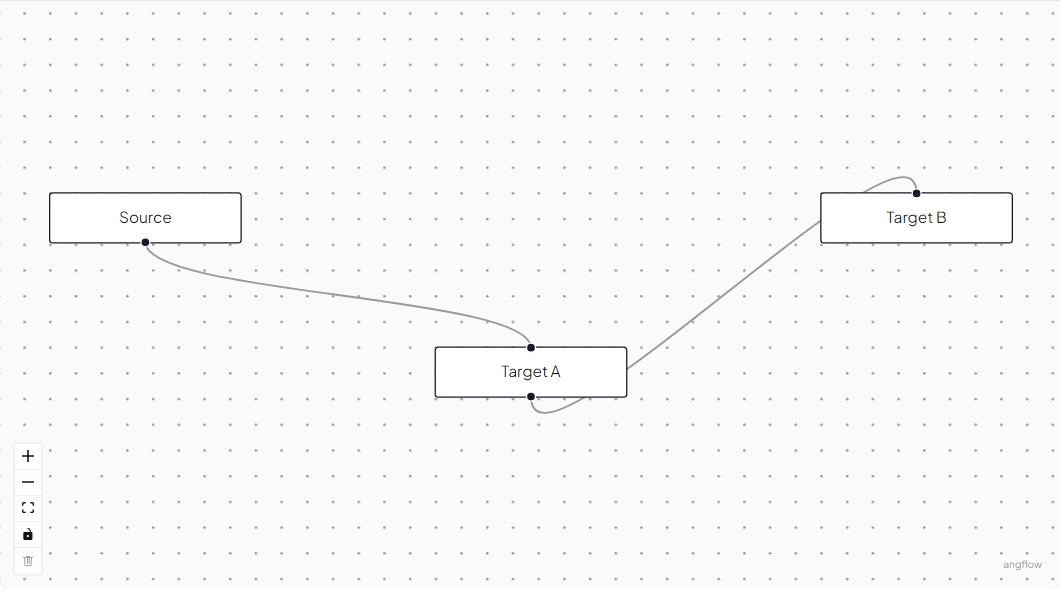
Default, step, smoothstep, straight, and bezier edges
Floating action toolbar attached to selected edges
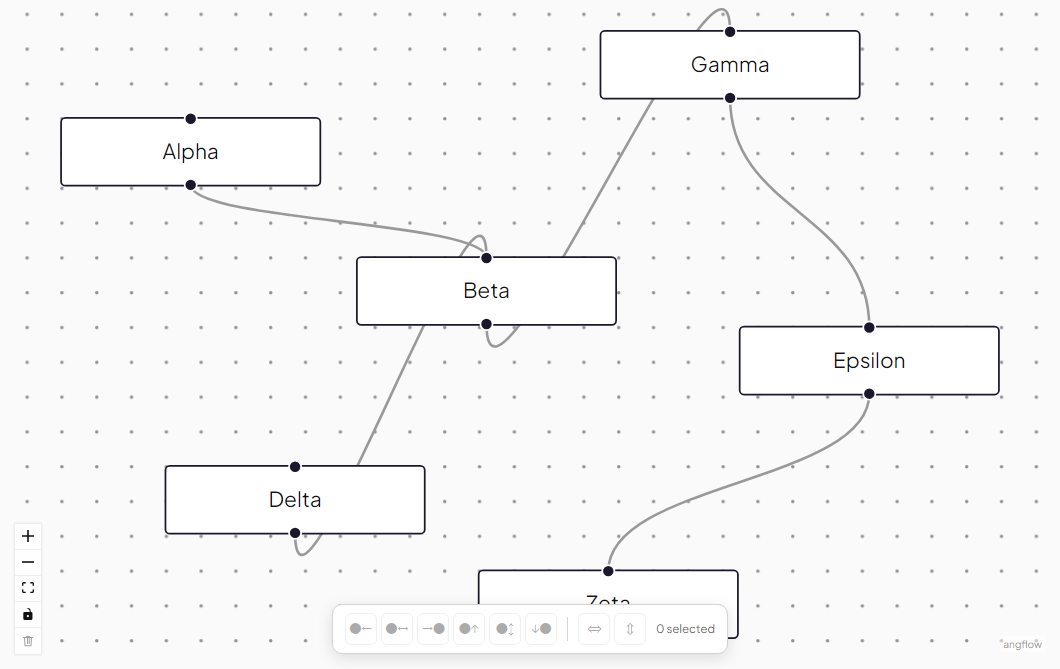
Edges that attach to the nearest point on a node outline
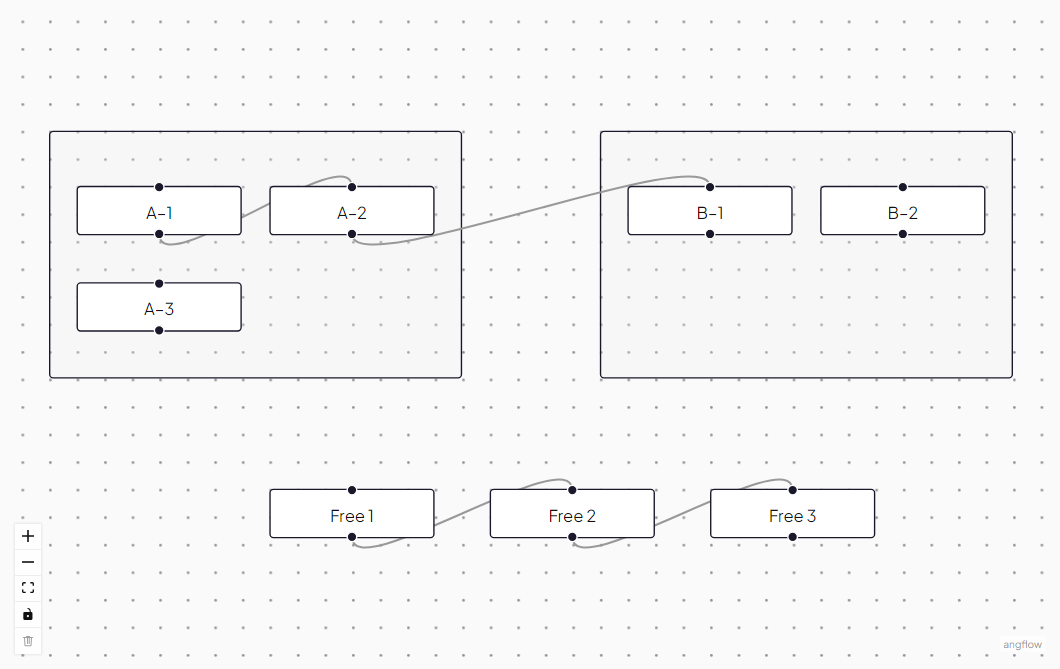
Group selected nodes into a parent container
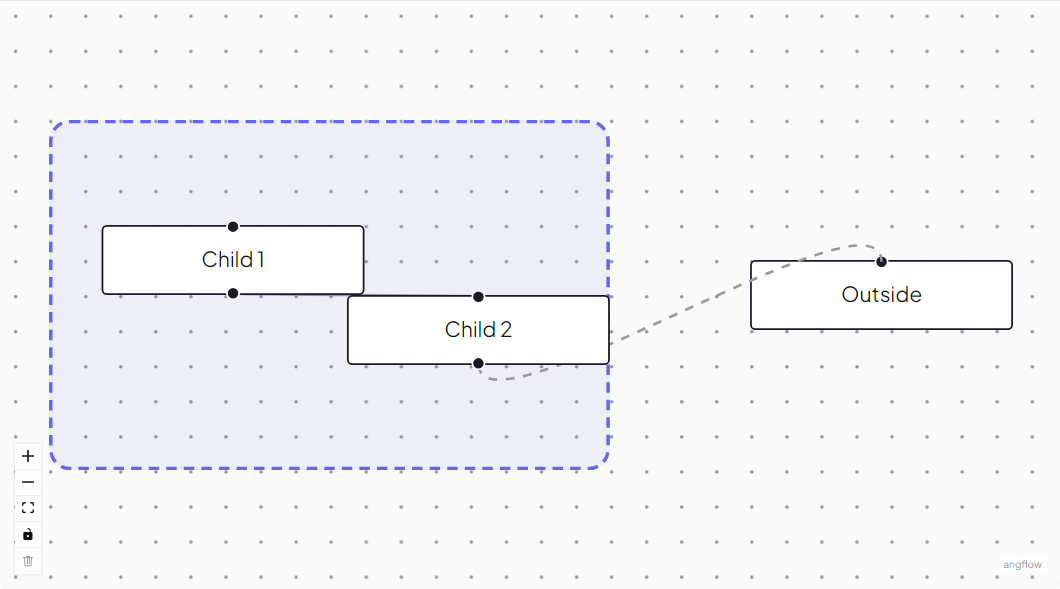
Nested flows with extent constraints
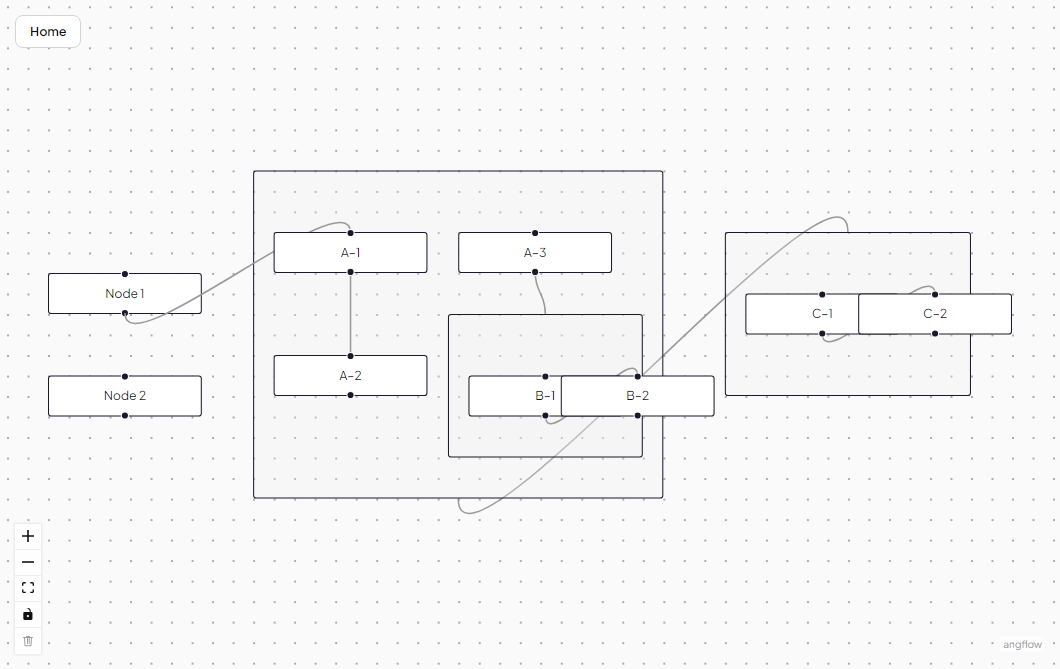
Navigate into and out of nested subflows with breadcrumbs
Nested subgraphs with parent/child relationships
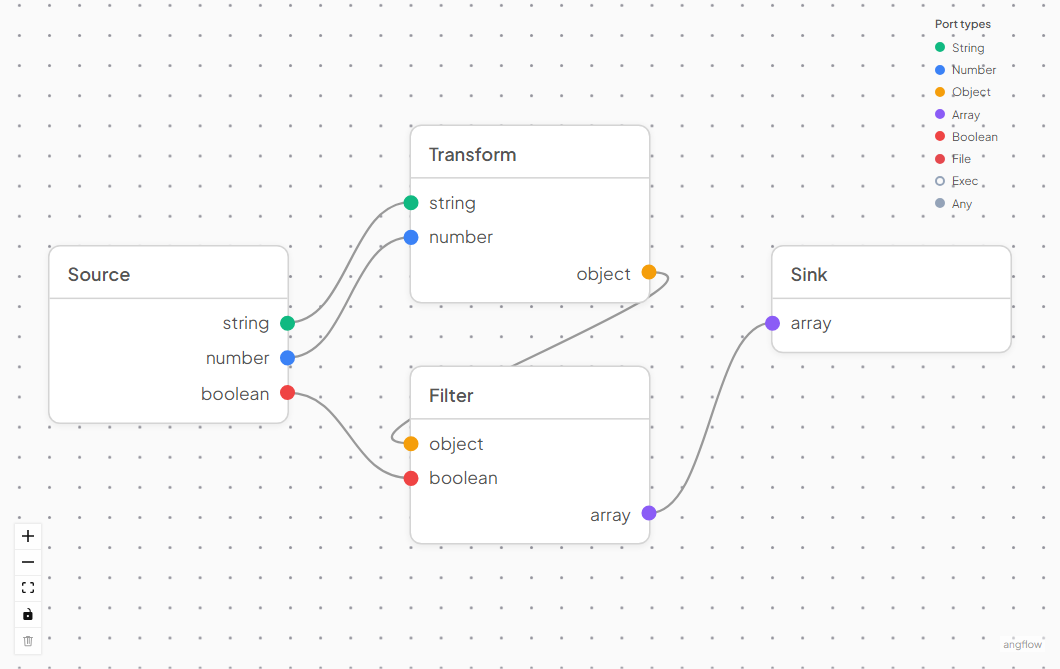
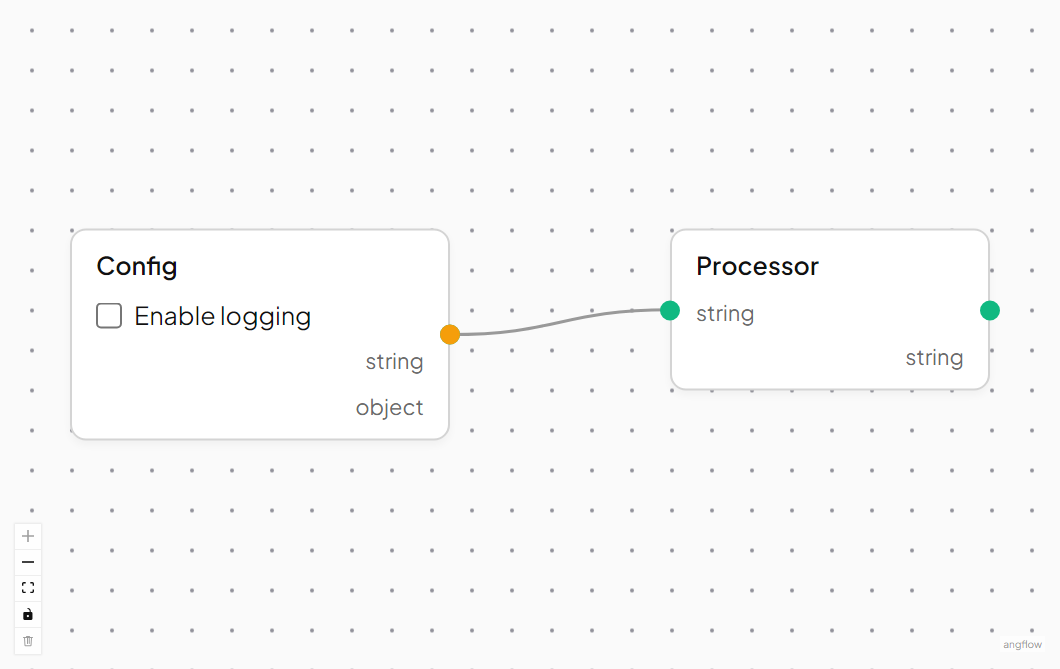
Color-coded handles with data type validation
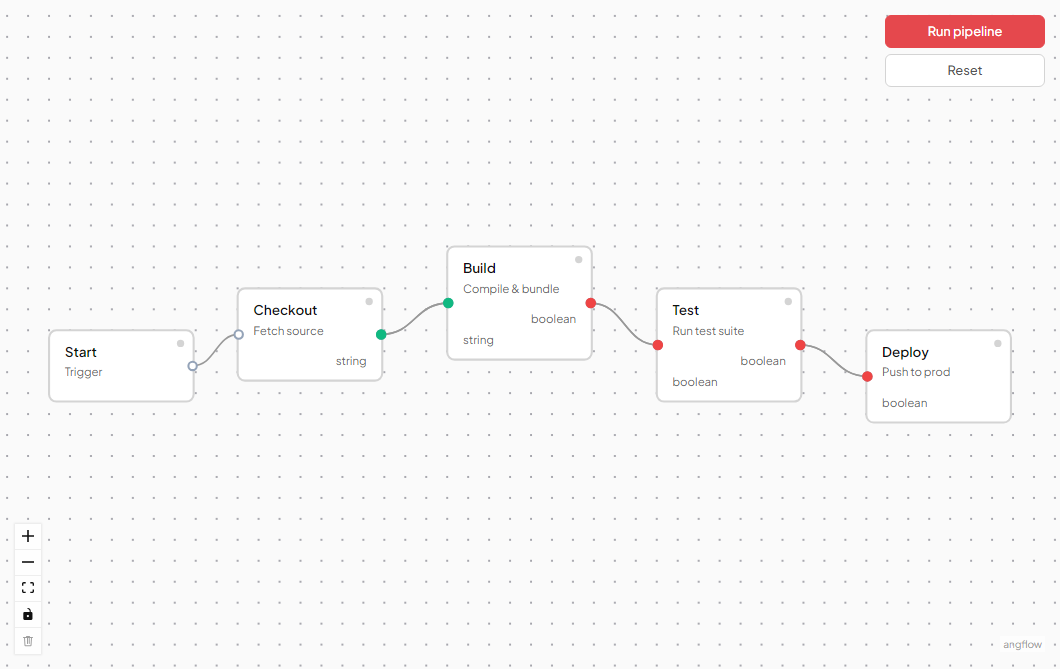
Step-by-step workflow with execution pins
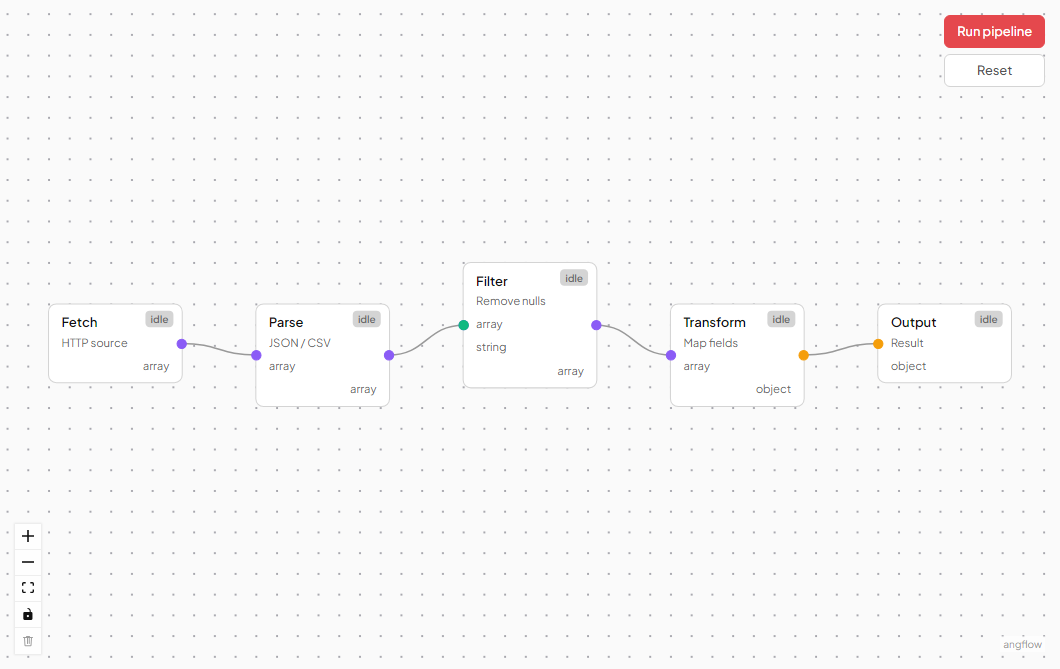
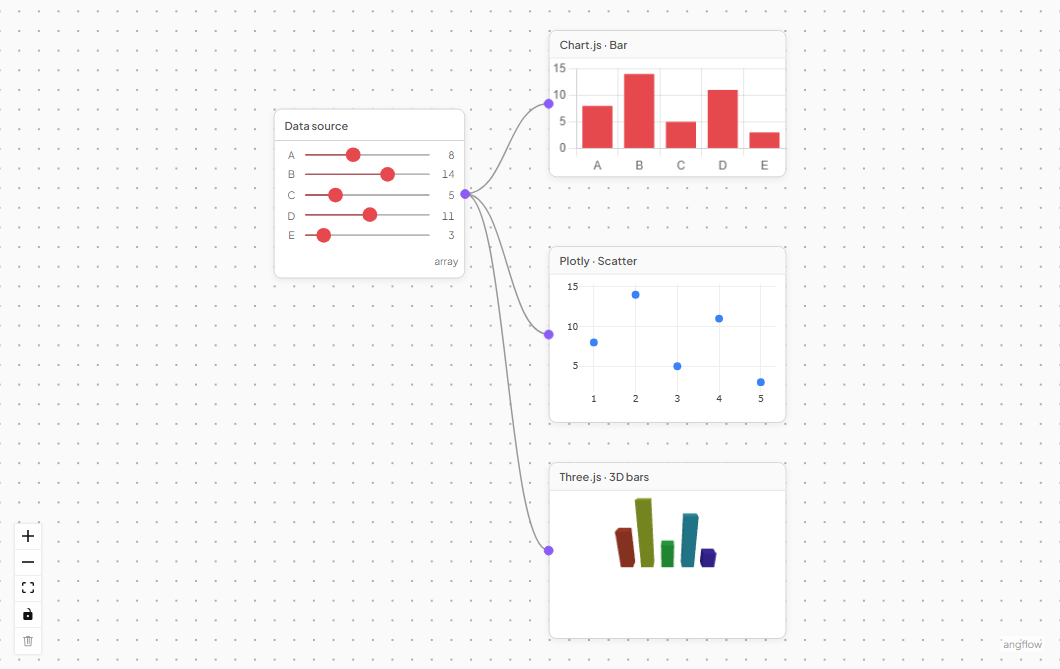
Fetch, transform, filter, and merge data between nodes
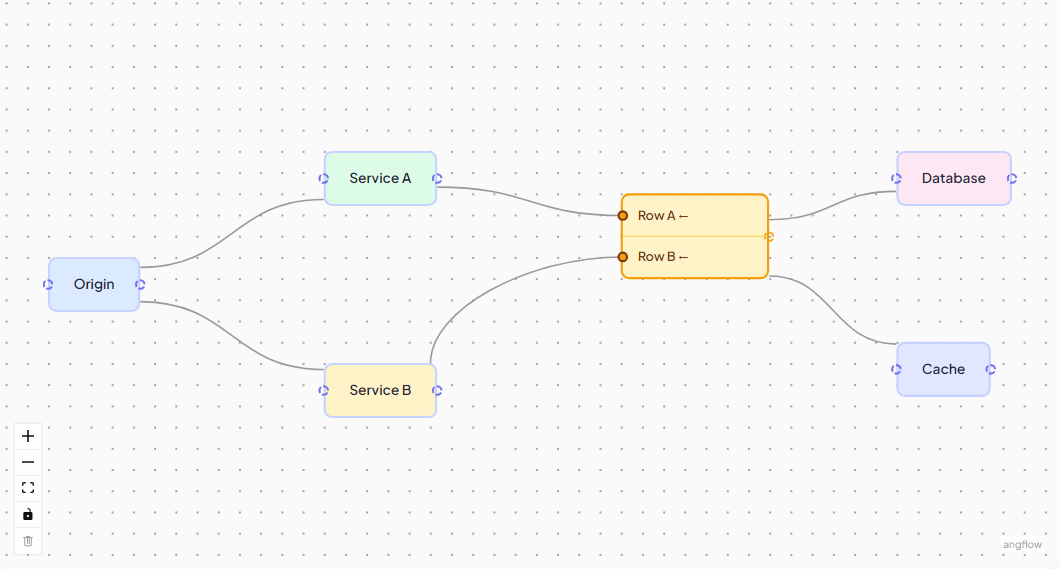
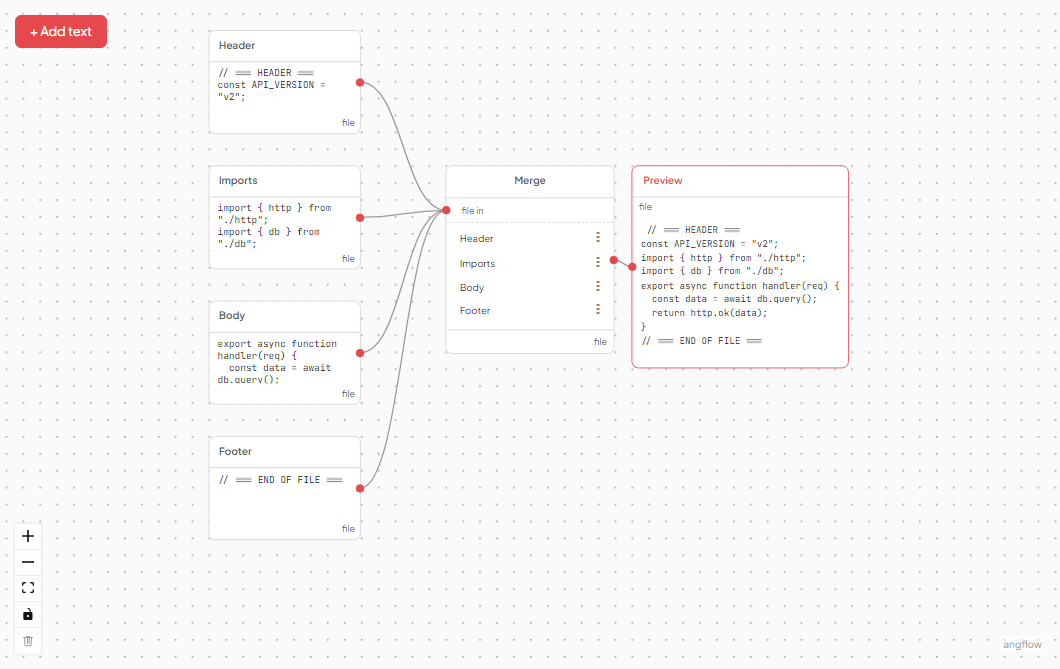
Multiple nodes assemble fragments into a single output
Embed third-party Angular or JS components inside nodes
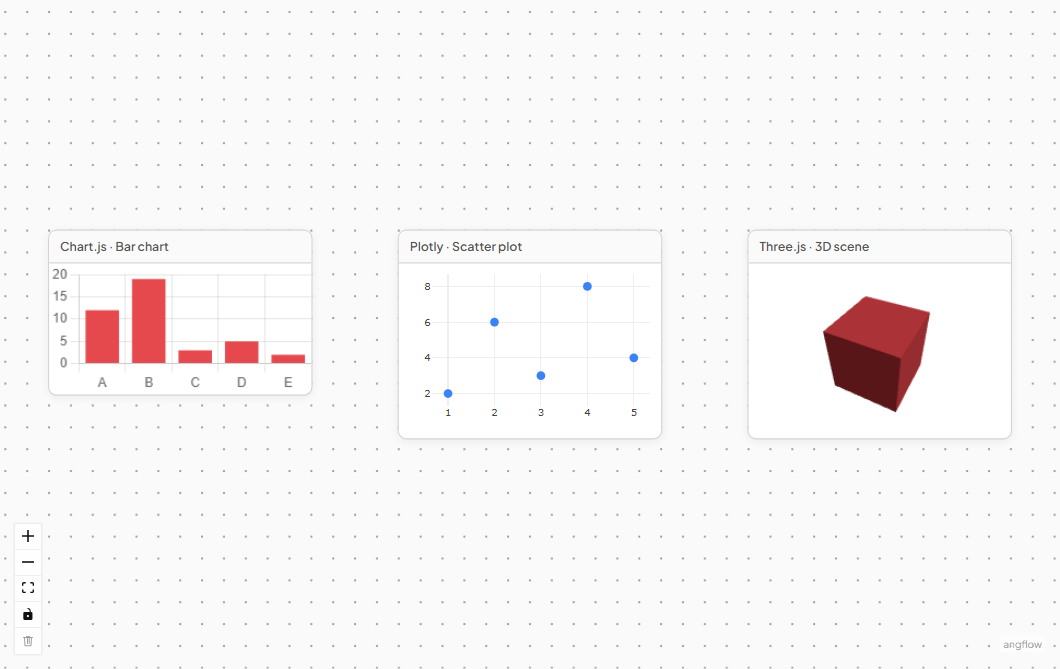
Chart.js, D3, ECharts, and Plotly embedded in flow nodes
Conditionally spawn connected nodes based on parent state
Connection validation via type IDs on handles